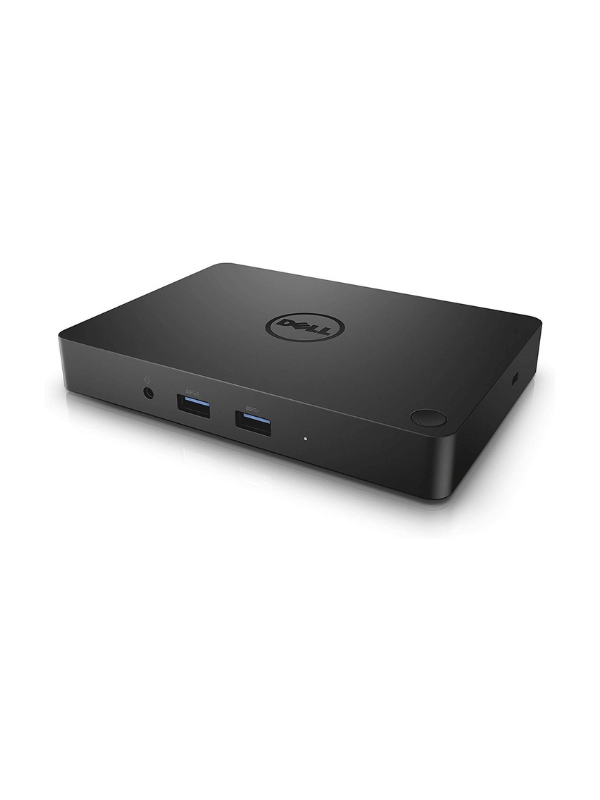
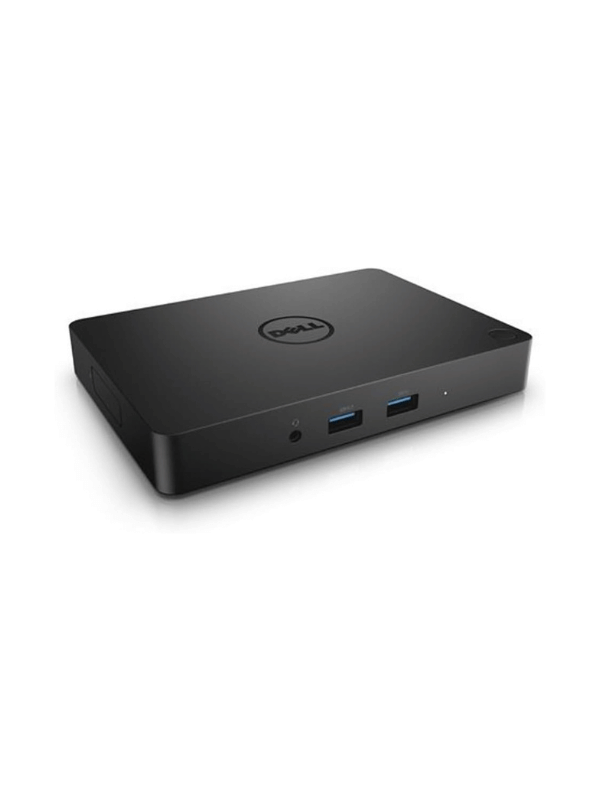
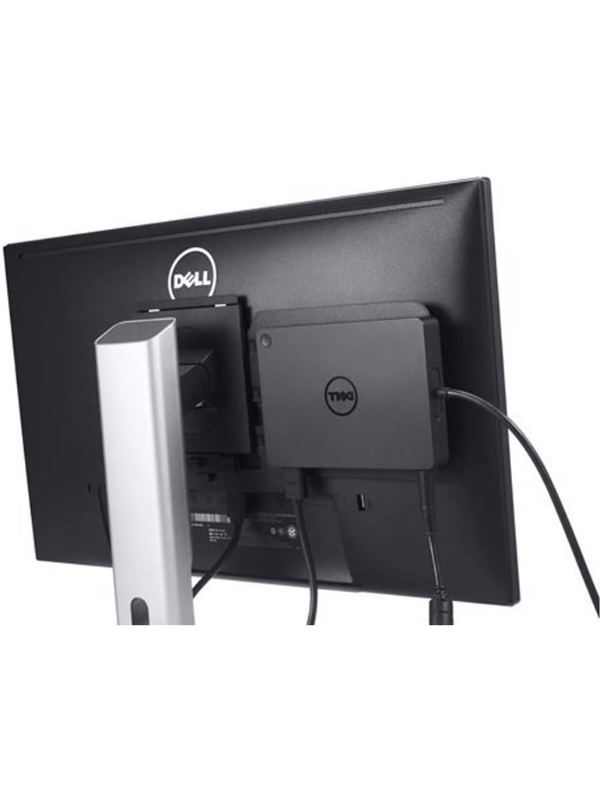
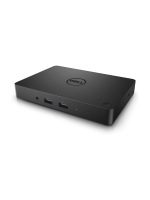
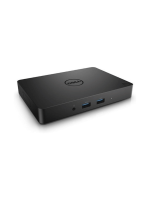
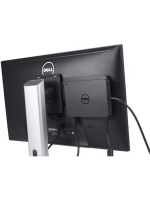
Dell WD15 Monitor Dock 4K with 180W Adapter, USB-C, (450-AEUO, 7FJ4J, 4W2HW), Dual Display

Shipping & Delivery

  • Courier delivery

Our courier will deliver to the specified address

3-5 Days

  • Store Pick Up

Store Location Zouk Mikael

  • Warranty 1 year*

Description

Dell WD15 Monitor Dock 4K with 180W Adapter, USB-C, (450-AEUO, 7FJ4J, 4W2HW), Dual Display

SPECIFICATIONS:
  1. Connect the Dell Dock WD15 to a power source using the included 180W AC adapter.
  2. Use the USB Type-C cable to connect the dock to your laptop or compatible device.
  3. Ensure your laptop supports DisplayPort over USB Type-C for optimal performance.
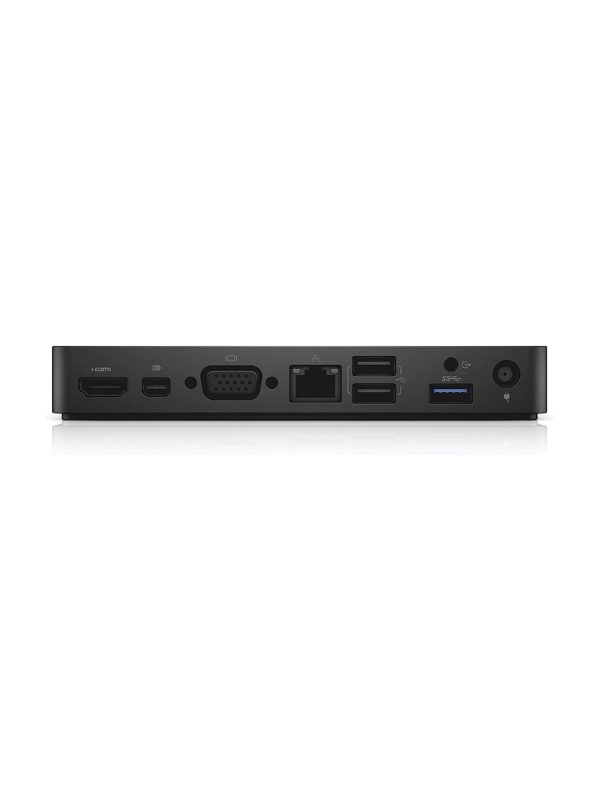
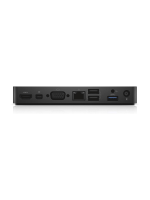
  4. Connect external monitors to the dock using the available ports: HDMI, Mini DisplayPort, or VGA. The dock supports dual FHD displays or a single 4K display at 30Hz.
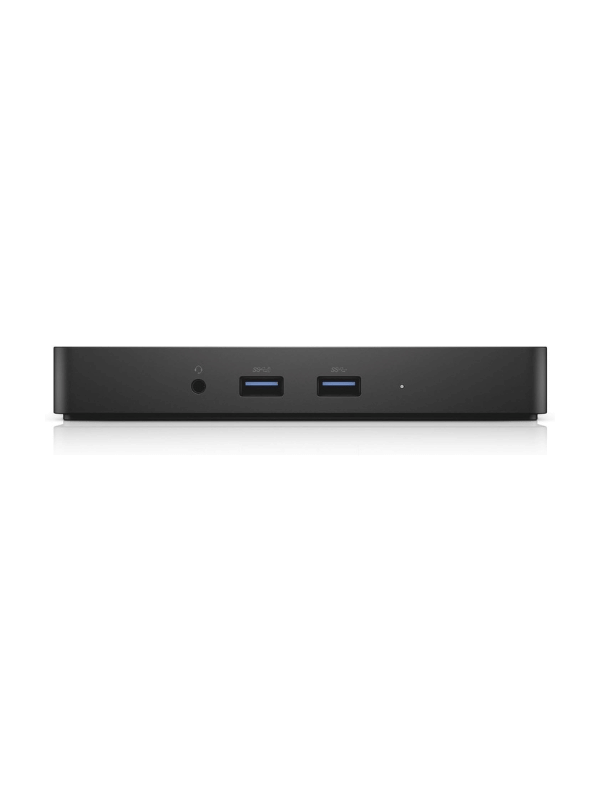
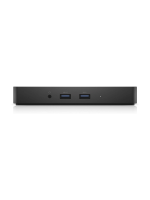
  5. Attach peripherals such as a keyboardmouse, or external drives to the dock’s USB 3.0 or USB 2.0 ports.
  6. Connect to the internet using the RJ-45 Ethernet port on the dock for a stable wired connection.
  7. Plug in audio devices like headphones or speakers using the 3.5mm audio jack.
  8. Power on your laptop, and the dock will automatically detect connected devices.